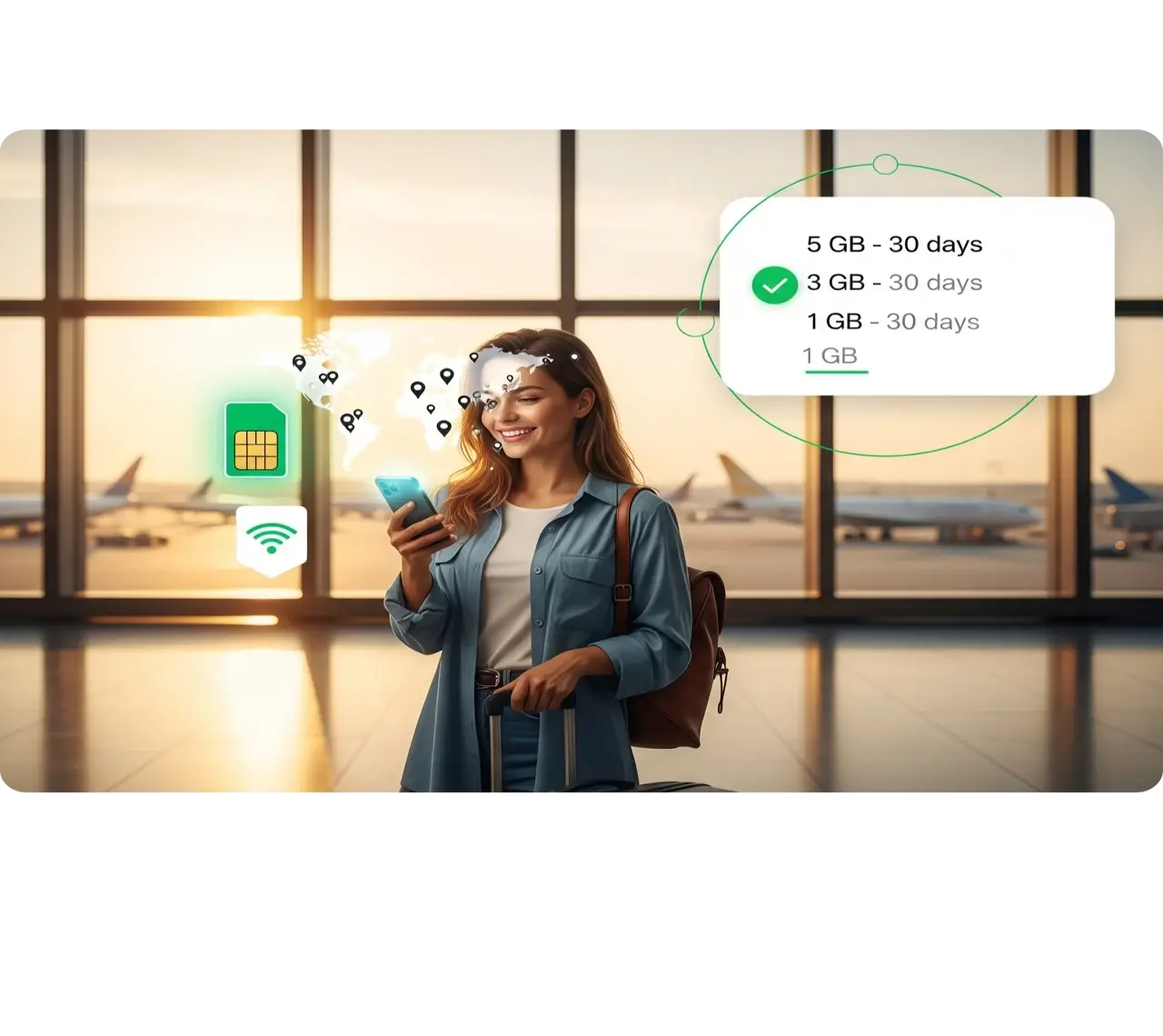
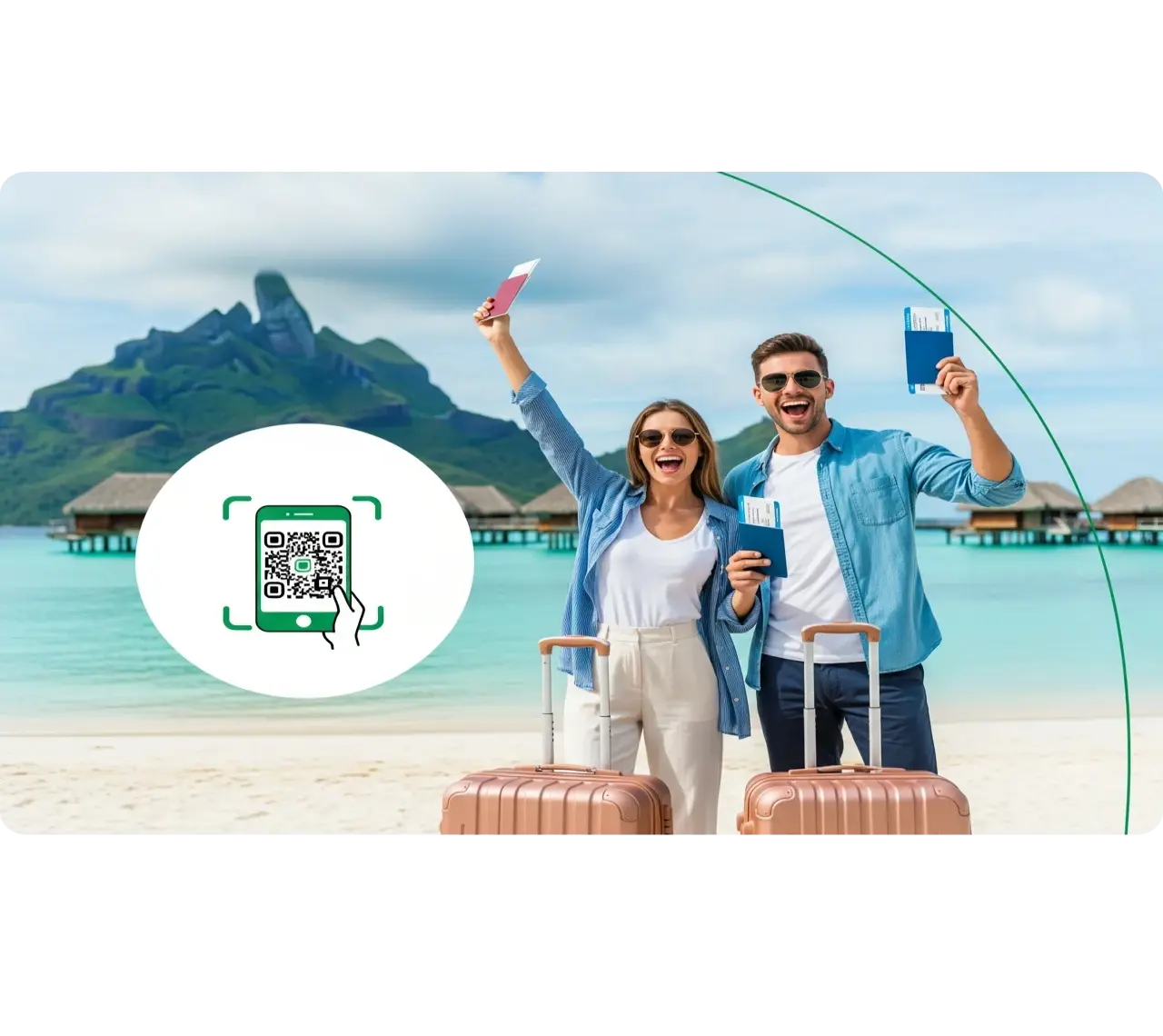
An eSIM for Spain is a digital data plan you buy online, install from a QR code before you fly, and switch on when you land. There's no airport kiosk, no passport registration, and no swapping plastic SIM cards. For most trips:
- 1–3 GB covers a long weekend
- 5–10 GB covers a week
- 20 GB or more covers a month
Spain's coverage is excellent: 4G reaches over 99% of the population, and 5G covers most of it.
That means your first hour in Barcelona or Madrid goes to finding tapas, not queueing at a phone shop. Below you'll find how much data you actually need, how Spain's networks compare, and the border and setup mistakes that catch travelers out.
Best eSIM for Spain
Read more
The best eSIM for Spain is the smallest plan that comfortably covers your real usage, not the biggest one on the page. What you do matters far more than how long you stay. Two hours of Google Maps uses less data than ten minutes of scrolling Reels.
A realistic sightseeing day comes to about 700–800 MB. That day includes two hours of navigation, messaging, some bookings, and 45 minutes of social video. Over a week that's roughly 5 GB, which is why 5 GB is the minimum for a one-week trip and 10 GB is the comfortable choice.
| Activity | Approximate data use |
|---|---|
| Google Maps navigation | 3–5 MB per hour |
| Messaging (WhatsApp, iMessage, some photos) | 30–50 MB per hour |
| Web browsing, bookings, reviews | 50–100 MB per hour |
| Video-heavy social media (Instagram, TikTok) | 600 MB–1.2 GB per hour |
| Video calls (WhatsApp, FaceTime, Zoom) | 300 MB–1 GB per hour |
| Streaming video (YouTube, Netflix) | 0.5–1 GB per hour in SD, 1–3 GB per hour in HD |
| Downloading an offline city map | 100–200 MB, one time (do it on Wi-Fi) |
| Trip Length | Suggested Data | Suitable For |
|---|---|---|
| 3–5 days | 1–3 GB | Maps, messaging, tickets, and quick browsing |
| 7 days | 5–10 GB | Daily navigation, social media, and bookings |
| 10–14 days | 10–20 GB | Heavy browsing, occasional video calls, and uploads |
| 30 days | 20 GB or more, or unlimited | Long stays, remote work, and hotspot use |
Best eSIM for Spain by Trip Length
Read more
Best for a Short Trip
A long weekend in Madrid or Seville needs 1–3 GB. Full days of Google Maps barely dent 1 GB; photos, messages, and social posts are what fill it.
- 1 GB: if you'll mostly use hotel Wi-Fi and need data only for maps, rides, and museum tickets.
- 3 GB: if you post to social media every day.
Best for a One-Week Stay
For seven days, 5–10 GB is the sweet spot.
- 5 GB: if you mostly share photos and messages.
- 10 GB: if you watch short videos, upload Stories, or make video calls home.
The buffer keeps maps running on day trips to Toledo or Montserrat without you watching your balance.
Best for Longer Trips
Trips of ten days to two weeks need 10–20 GB. A longer stay means more nights on unreliable hotel or apartment Wi-Fi. It also means more long-distance train journeys, where onboard Wi-Fi can be patchy, so more of the load falls on your mobile data.
Best for Heavy Data Use
Choose 20 GB or more for a month if you'll hotspot a laptop, join work calls, or stream in your downtime. One hour of video calls a day alone uses roughly 9–30 GB over 30 days.
Unlimited plans are an option, but read the fair-use terms first. Many slow your speed after a daily threshold, and some limit or block hotspot sharing.
Why Buy an eSIM for Spain Before You Travel?
Read more
Buying before you fly means you land connected. You install the eSIM at home on Wi-Fi, and your phone picks up a Spanish network as soon as you switch off airplane mode. From the arrivals hall you can call a ride, show a train ticket, or message your hotel.
It also sidesteps Spain's SIM registration rules. Spanish law requires every prepaid physical SIM to be registered with a passport or EU/EEA ID card at the point of sale. A local SIM therefore means a shop visit, an ID scan, and often a queue. A travel eSIM skips all of that.
Your home SIM stays in your phone. You still receive bank alerts and two-factor codes on your usual number, while the eSIM handles data at a fixed, prepaid price. No roaming bill is waiting when you get home.
| Option | How you get it | ID required | What you pay | Best for |
|---|---|---|---|---|
| Spain travel eSIM | Buy online; install by QR before you fly | No | One fixed prepaid price | Most visitors with an unlocked, eSIM-compatible phone |
| Local prepaid SIM | Shop or airport kiosk after landing | Yes: passport or EU/EEA ID, by law | Low cost per GB; includes a Spanish number | Long stays; phones without eSIM |
| Home carrier roaming | Nothing to set up | No | EU/EEA SIMs: domestic rates up to a fair-use limit. Others: usually a daily roaming fee | EU residents and very light users |
Ready to choose your Spain eSIM? Take a look at the available plans and pick the one that suits your trip.
Cheap eSIM for Spain: How to Choose the Best Value
Read more
The cheapest eSIM for Spain is rarely the lowest price on the page. A 1 GB plan that runs out on day two, followed by an emergency top-up, often costs more than buying 3 GB upfront. Compare plans on five points:
- Price per GB. Divide the price by the gigabytes. If 1 GB costs $5 and 3 GB costs $9, the larger plan is 40% cheaper per GB.
- Top-ups. Check that you can add data online or in the app without buying and installing a new eSIM.
- Hotspot support. This is essential if you'll share your connection with a laptop or a travel companion.
- Network generation. Check whether the plan includes 5G or is 4G/LTE only. Both handle maps and messaging; 5G matters for video calls and large uploads.
- Validity rules. Check how long the plan lasts and when the day count starts. Ideally it starts on first connection in Spain, not at purchase.
Spain eSIM Coverage and Network Speeds
Read more
Spain's mobile coverage is fast and dense. 4G reaches over 99% of the population, and 5G is widely available in cities, towns, and along the coast.
- Big cities: In Madrid, Barcelona, Valencia, and Seville, speeds easily handle video calls and HD streaming.
- Rural areas: In the interior, the mountains, and remote valleys, your phone will more often fall back to 4G. That is still plenty for maps and messaging.
Travel eSIM providers don't own cell towers in Spain. They buy access to one or more of Spain's national networks, so your real-world speed depends on which network your plan uses.
Which network suits your route:
- Rural driving: For road trips through inland Spain, the Pyrenees, or the Picos de Europa, a plan on Movistar is the safest bet.
- Cities and beach towns: All three major networks perform well.
- Multi-network plans: Your phone switches to the strongest signal automatically.
- Single-network plans: Check that network's coverage map for your route.
| Network group | Brands in the group | Strengths |
|---|---|---|
| Movistar (Telefónica) | Movistar, O2 | Widest national and rural coverage; won the most categories in Opensignal's 2026 Spain report |
| MasOrange | Orange, Yoigo, MásMóvil | Formed by the 2024 Orange–MásMóvil merger; strong in cities and coastal areas |
| Vodafone | Vodafone, Lowi | Strong urban and resort performance; rated top tier alongside Movistar in 2026 testing |
| Digi | Digi | Newest national operator; fastest 5G where it has its own sites, uses Movistar's network elsewhere |
Does a Spain eSIM Work in the Canary and Balearic Islands?
Read more
Yes. Mallorca, Ibiza, Menorca, Tenerife, Gran Canaria, and Lanzarote are part of Spain, so a Spain eSIM works there just as it does on the mainland. Coverage in resort towns and main cities is excellent, with 4G and 5G widely available. Signal can weaken in volcanic highlands such as Teide National Park and around isolated coves.
One trap to know about: on cruise ships and some ferries, your phone can connect to an onboard maritime network. These networks aren't covered by travel eSIMs, and they can bill your home line at very high rates. Switch on airplane mode once you're out at sea, and use onboard Wi-Fi if you need to stay online.
How to Check If Your Phone Is Ready for Spain
Read more
Your phone needs two things: eSIM support and no carrier lock.
- eSIM support. Dial *#06#. If an EID number appears alongside your IMEI, your phone supports eSIM. These phones support it (some regional models excluded):
- iPhone XR/XS (2018) and newer
- Google Pixel 3 and newer
- Samsung Galaxy S20 and newer
- Carrier lock. On iPhone, go to Settings > General > About and look for "Carrier Lock: No SIM restrictions." On Android, ask your carrier or test with a SIM from another provider. A locked phone rejects any travel eSIM. Request an unlock before you travel, because it can take a few days.
Quick Ways to Stretch Your Data Allowance
Read more
- Download offline maps on Wi-Fi. In Google Maps, search the city, tap its name, then tap Download. Navigating inside that area then uses almost no mobile data.
- Turn on Low Data Mode or Data Saver.
- iPhone: Settings > Cellular > select your Spain plan > Data Mode > Low Data Mode.
- Android: turn on Data Saver.
- Pause photo backups on mobile data. Switch off cellular sync for iCloud Photos or Google Photos until you're back on Wi-Fi.
- Turn on the data-saver setting in Instagram and TikTok. Switch off video autoplay wherever the app allows.
- Cap streaming at 480p in YouTube and Netflix, and download playlists and shows on Wi-Fi before you head out.
- Save heavy uploads for hotel Wi-Fi. Keep your mobile data for navigation, rides, and bookings.
Step-by-Step eSIM Activation for Spain
Read more
Install your eSIM at home on stable Wi-Fi a day or two before you fly. Most Spain eSIMs start counting validity days when they first connect to a network in Spain, not when you install them. Check your plan's activation rule to be sure.
- Scan the QR code.
- iPhone: Settings > Cellular > Add eSIM > Use QR Code.
- Samsung: Settings > Connections > SIM manager > Add eSIM.
- Pixel: Settings > Network & internet > SIMs.
- Label both lines. Name the new line "Spain" and your usual line "Home" so you never mix them up.
- Set cellular data to the Spain eSIM. Keep your home line switched on for calls and SMS, but select the Spain eSIM for data.
- Stop automatic fallback. On iPhone, turn off "Allow Cellular Data Switching." On Android, turn off automatic data switching. This stops your phone quietly using your home plan if the eSIM signal dips.
- Turn off data roaming on your home line. This is the setting that prevents surprise roaming charges.
- When you land, turn on data roaming for the Spain eSIM. Travel eSIMs work as roaming profiles, so data roaming must be on for this line only.
Not connecting? Toggle airplane mode off and on, restart your phone, or select a network manually in the eSIM's settings. Don't delete the eSIM while troubleshooting, because most QR codes can only be installed once.
FAQ
Will the data connection drop when traveling outside the main cities?
Does a Spain eSIM support 5G connectivity?
Should travelers choose a specific Spain plan or a broader Europe package?
What is the network coverage like in major Spanish cities?
Is it better to get a Spain eSIM or a local physical SIM card?
Can this profile work for both Spain and Portugal?
Will I get a Spanish phone number with a Spain eSIM?
Does a Spain eSIM work in Gibraltar or Andorra?
When does my Spain eSIM plan start counting days?
Do I need a Spain eSIM if my SIM is from another EU country?