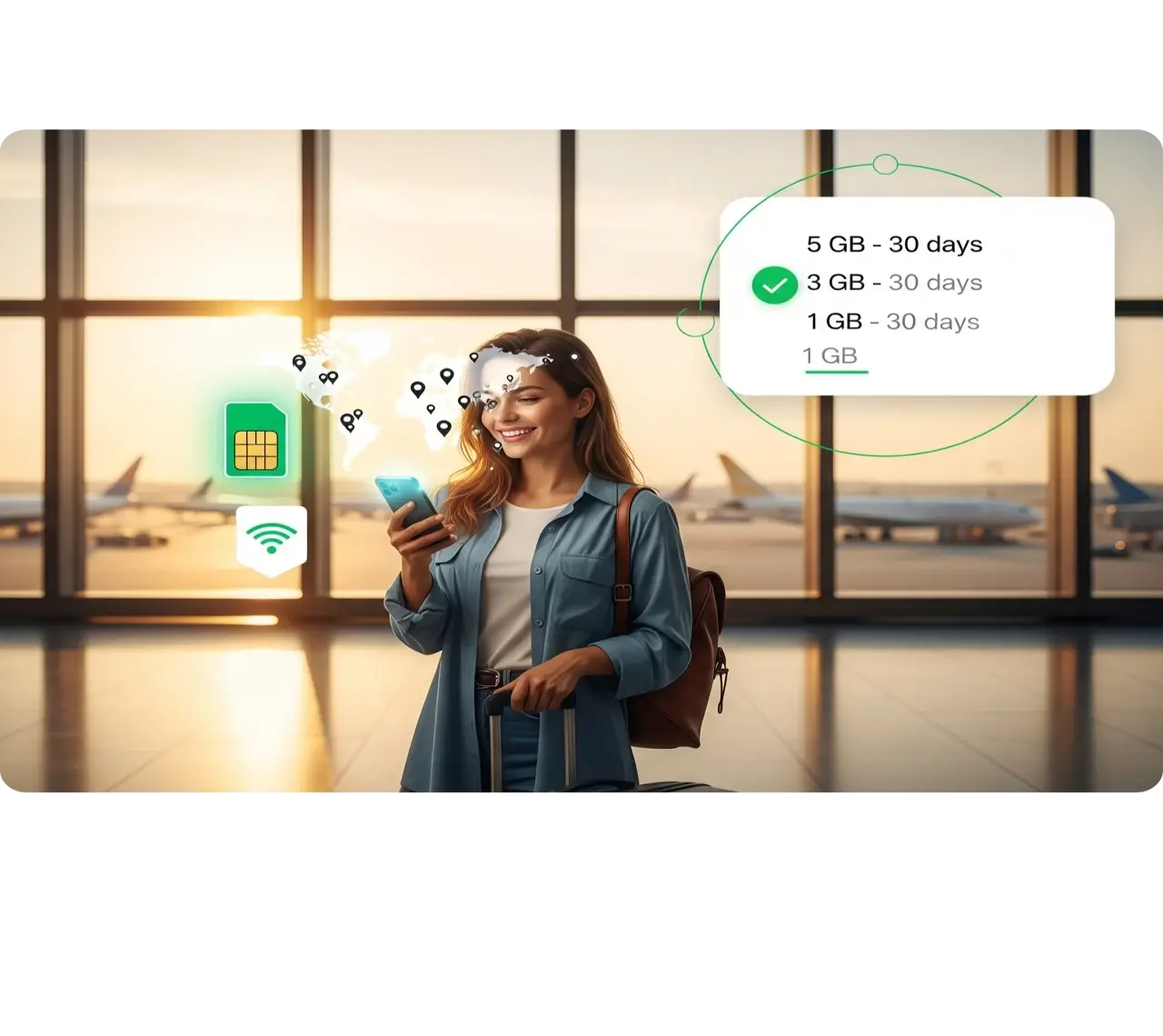
An eSIM for Thailand is a digital SIM you buy online and install before you fly, so your phone connects to a Thai 4G or 5G network the moment you land. There's no airport SIM counter, no card swap, and your home number stays active for WhatsApp and bank codes. For most visitors, 5 GB covers a one-week trip, 10 GB covers two weeks, and an unlimited plan makes sense if you'll run a laptop hotspot or stream video every day.
Thailand's 4G network reaches almost the entire population and 5G is available in every major tourist hub, so the real decisions are how much data you need, how long you're staying, and whether your route leaves the main tourist areas.
Why Use an eSIM in Thailand?
Read more
A travel eSIM removes the three usual first-day problems: finding a SIM counter, registering a new SIM, and losing access to your home number.
- Stay connected from the moment you land. Switch off airplane mode on the runway and you can book a Grab, message your hotel, or check your route before you reach passport control.
- No need to swap physical SIM cards. Your home SIM stays in the tray, so there's no ejector pin to find and no tiny card to lose.
- Keep your WhatsApp number. WhatsApp is tied to your account and phone number, not to the SIM that supplies your data, so your chats, groups, and number stay exactly the same.
- Instant activation. You buy, receive, and install the eSIM online, and the QR code arrives by email right after checkout.
- Avoid airport SIM queues. Since August 2025, every new SIM from a Thai operator must be registered with a passport and a live face scan, which adds time at the counter after a long flight. A travel eSIM is set up at home, so you walk straight past the kiosks.
How to Choose the Best eSIM for Thailand
Read more
Before comparing plans, check two things. First, that your phone supports eSIM: on most phones, dialing *#06# shows an EID number if it does. Second, that your phone isn't locked to your home carrier, because a locked phone won't accept another provider's eSIM. Then choose based on the four factors below.
How Much Data Do You Need?
Your data needs depend on how you use your phone, not on where you go. Use the rough daily figures in the table below to size your plan.
Video is what drains a fixed plan: an hour of HD streaming can use up to 3 GB. If you plan to share a hotspot with your laptop, confirm the plan allows tethering. Unlimited plans in Thailand usually include a daily high-speed allowance, after which speeds are reduced until the next day, so check that allowance before you buy.
How Long Are You Staying?
Match the plan's validity to your full trip, from arrival day to departure day. On most travel eSIMs, the validity period starts when the eSIM first connects to a network at your destination, not on the day you buy it, so you can purchase weeks in advance. Round up rather than down: an 8-day trip on a 7-day plan leaves you offline on the way to the airport.
If Thailand is one stop on a longer route, an eSIM for Asia covers several countries on a single plan. If you're adding just one more country, pair your Thailand plan with an Indonesia eSIM for Bali or a Malaysia eSIM if you're continuing south across the border.
Coverage Across Thailand
Coverage is strong wherever most visitors go. Bangkok, Chiang Mai, Pattaya, Phuket, Krabi, and islands such as Koh Samui all have reliable 4G and widespread 5G. After merging its network with dtac's, True reports 99% 4G and 94% 5G population coverage, and AIS has expanded 5G to more than 95% of the population.
Signal gets patchier on remote mountain roads in the north, deep inside national parks, and on some smaller islands. If your itinerary includes these areas, a plan on the AIS network gives you the best chance of staying connected, and offline maps cover the gaps.
Speed and Network Reliability
Both Thai networks are fast enough for navigation, video calls, and streaming in cities. Independent testing shows where each one leads: in Opensignal's August 2026 report, based on data from April to June 2026, AIS won the most awards overall, including coverage and consistent quality, while the combined True–dtac network took the Best Network title with wins for reliability and download speed. To get 5G speeds, you need a 5G phone and a plan that includes 5G access.
| How you use your phone | Rough daily use | 1-week trip | 2-week trip |
|---|---|---|---|
| Light: maps, Grab, messaging, email | 200–350 MB | 3 GB | 5 GB |
| Moderate: adds social media, photo uploads, short videos | 500–700 MB | 5 GB | 10 GB |
| Heavy: video streaming, video calls, laptop hotspot | 1.5 GB or more | Unlimited | Unlimited |
Mobile Networks in Thailand That Support eSIM
Read more
Thailand has two main mobile networks. One is AIS. The other is True Corporation, which has run the TrueMove H and dtac brands on a single, fully integrated network since completing its "One Network" project in October 2025. You'll still see three brand names at the airport, but a phone on TrueMove H and a phone on dtac use the same towers.
AIS
AIS is the network to prefer if your trip goes beyond the main tourist areas. It led Opensignal's August 2026 awards for coverage and consistent quality, which makes it the safer choice for northern mountain routes, national parks, and quieter islands. AIS also launched 5G Advanced in May 2026.
TrueMove H
TrueMove H is True Corporation's main brand and now runs on the merged True–dtac network. It's especially strong in Bangkok, beach resorts, and the popular islands, and together with dtac it took Opensignal's Best Network title in August 2026, with outright wins for reliability and download speed.
dtac
dtac is now a brand of True Corporation and shares TrueMove H's network, so coverage and speed are the same. Its Happy Tourist packages are popular with visitors, but whether a travel eSIM lists "dtac" or "True" as its network, you're on the same infrastructure.
| Network | Operator | eSIM support | Opensignal highlights (Aug 2026) | Best for |
|---|---|---|---|---|
| AIS | AIS | Yes | Most awards overall, including coverage and consistent quality | Nationwide trips, rural areas, national parks, the north |
| TrueMove H | True Corporation | Yes | Best Network title; reliability and download speed (shared with dtac) | Cities, beach resorts, popular islands |
| dtac | True Corporation (same network as TrueMove H) | Yes | Same results as TrueMove H | Same coverage as TrueMove H |
Local Thailand eSIM vs Travel eSIM
Read more
A local option means buying a tourist SIM or eSIM from AIS, TrueMove H, or dtac after you arrive. A travel eSIM, like the plans from Diva eSIM, is bought online before you leave. Local plans often win on price per gigabyte; travel eSIMs win on convenience, timing, and multi-country flexibility.
Choose a local SIM if you're staying longer than a month, need a Thai phone number, or want the lowest price and don't mind the counter. Choose a travel eSIM if you want to land connected, skip registration, or are visiting more than one country.
| Comparison factor | Local Thailand SIM or eSIM | Travel eSIM |
|---|---|---|
| Where to buy | Airport counters, operator shops, and convenience stores in Thailand | Online, from anywhere, before you travel |
| When you get online | After queuing and registering in Thailand | As soon as your plane lands |
| Identity check | Passport and live face scan at registration; reconfirmation required to keep using a tourist SIM past 60 days | No counter visit; purchase and setup happen online |
| Typical price | About 299 baht (around US$9) for 8 days and 15 GB, up to about 1,199 baht (around US$37) for 30 days of unlimited data | Priced by data and days; often higher per GB than a counter SIM, much lower than home roaming |
| Thai phone number | Yes, with local calls and SMS | Usually data-only, with no Thai number |
| Multi-country trips | Thailand only | Regional plans cover several countries |
Thailand eSIM Plans
Read more
We don't believe in forcing everyone into the same plan. Pick by trip length and how you use your phone.
You can choose any of these directly from Diva eSIM and match the validity to your exact trip length.
| Plan | Best for | Typical trip |
|---|---|---|
| 1 GB | Layovers, one-night stops, or backup data | 1–2 days |
| 3 GB | Maps, messaging, and ride-hailing | A long weekend (3–4 days) |
| 5 GB | Everyday use, including menus, rides, and social media | One week |
| 10 GB | Daily stories and photo uploads | Two weeks |
| Unlimited | Remote work, hotspot use, and streaming | Any length, within the plan's daily high-speed allowance |
Find the perfect plan for your trip. Take a look at the available Thailand plans and pick the one that suits your trip.
How to Buy and Activate Your Thailand eSIM
Read more
Setup takes about five minutes and is best done at home, a day or two before you fly.
Pick the plan that fits your trip
Confirm your phone supports eSIM and is carrier-unlocked, then choose a Diva eSIM plan that covers your full trip length and expected data use.
Finish your checkout online
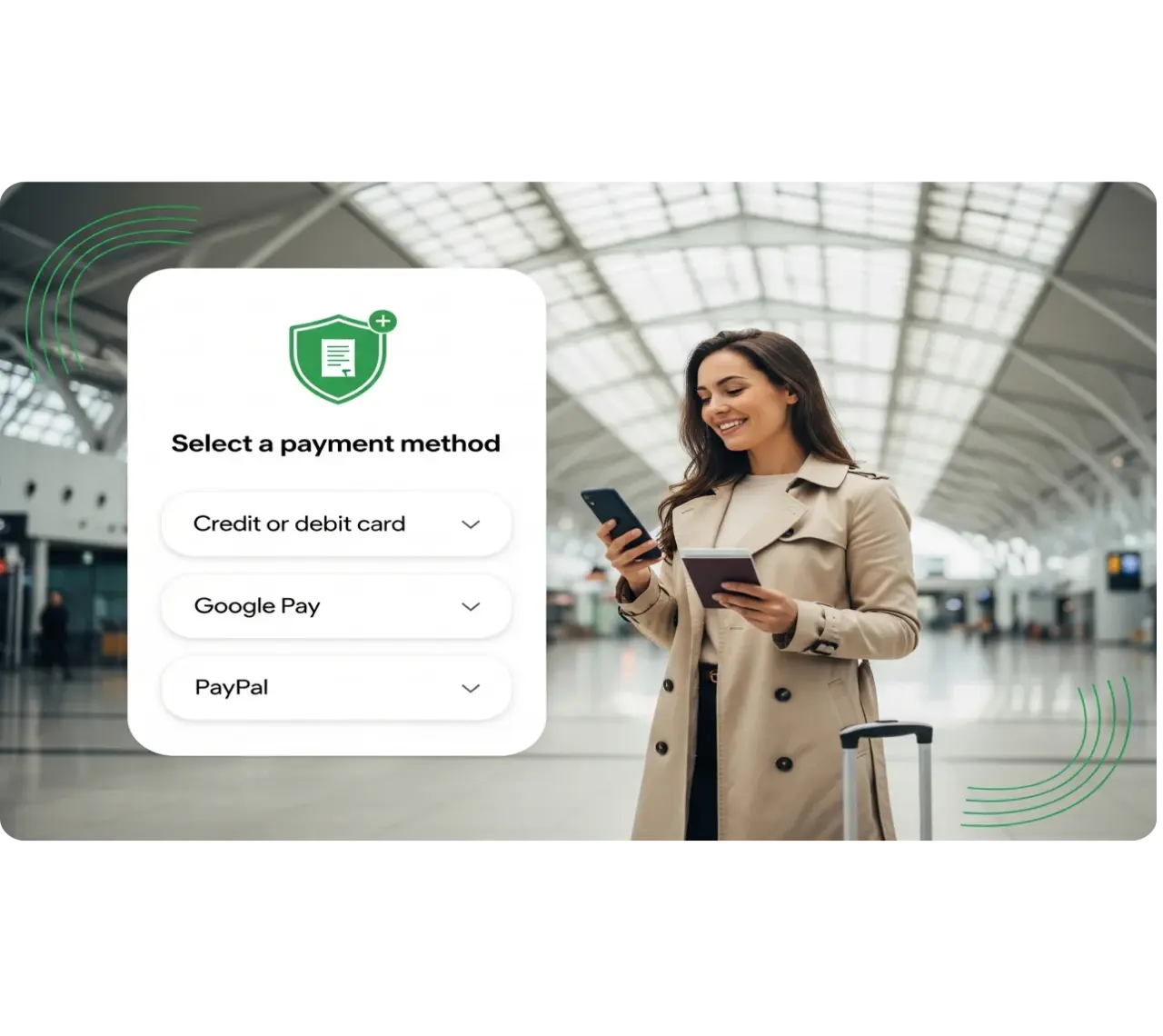
Pay on the Diva eSIM website or app. Checkout takes a minute, and there's nothing to collect in person.
Check your inbox for the QR code
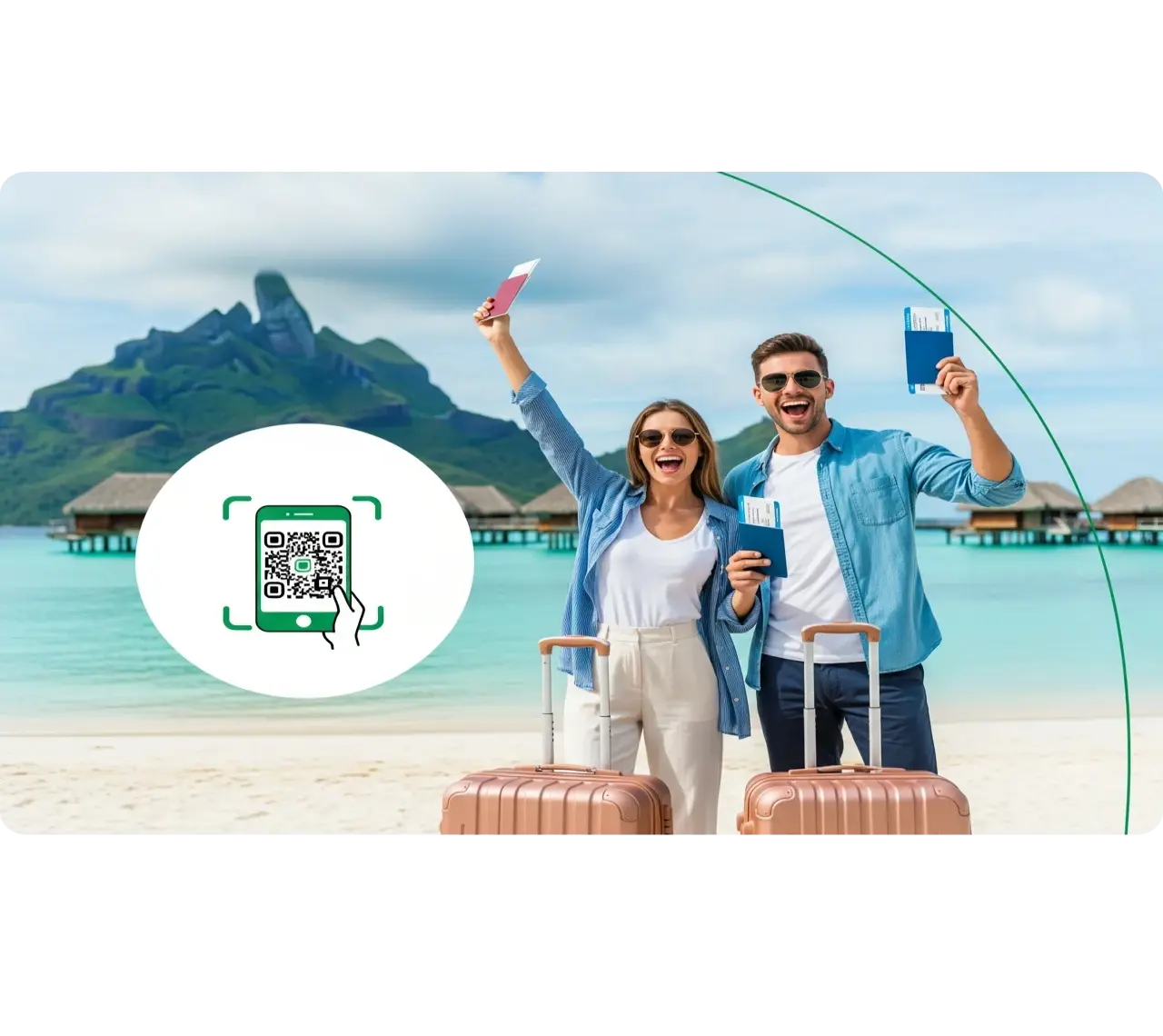
Your QR code arrives by email right after payment. Open the email on a second screen, such as a laptop or tablet, so you can scan the code with your phone.
Scan and install the profile
Install while you're still on home Wi-Fi. On iPhone, go to Settings > Cellular > Add eSIM > Use QR Code. On Samsung, go to Settings > Connections > SIM manager > Add eSIM. Give the new line a clear name like "Thailand," and don't delete it after installing, because an eSIM QR code usually works only once.
Turn on data roaming for this line
Travel eSIMs connect to Thai networks as a roaming line, so data roaming must be switched on for the eSIM. Leave the eSIM line off until you land, and keep data roaming off on your home line to avoid charges.
Switch it on after landing
Once you land, turn the eSIM line on and select it as your cellular data line. On iPhone, also turn off "Allow Cellular Data Switching" so your phone never falls back to your home line for data. A Thai network name should appear in your status bar within a minute or two.
Can You Use an eSIM and Your Physical SIM Together?
Read more
Yes. Most phones released in the last few years support dual SIM, so you can keep your home SIM active for calls and texts while the Thailand eSIM handles your data.
How Dual SIM Works on Your Trip
Your phone runs two lines at once. The physical SIM keeps receiving texts, including bank verification codes, while the eSIM carries all your internet traffic. Incoming texts are usually free while roaming, but incoming calls can be charged at roaming rates, so check your home carrier's pricing before you go.
Setting It Up on iPhone
Go to Settings > Cellular (called Mobile Data or Mobile Service in some regions). Set your home line as the Default Voice Line and your Thailand eSIM as the Cellular Data line. iMessage and FaceTime can stay on your home number.
Setting It Up on Android
On Samsung, open Settings > Connections > SIM manager and set Mobile data to the eSIM, while Calls and Messages stay on your physical SIM. On Pixel, go to Settings > Network & internet > SIMs. In both cases, turn off data roaming on your home SIM so it can't use data abroad.
Tips for Using Mobile Data in Thailand
Read more
Download offline maps ahead of time
Before a day trip, save the area in Google Maps for offline use and download the Thai language pack in Google Translate. Both work without signal, which matters on mountain roads and in national parks where coverage drops.
Turn on Wi-Fi Calling before you fly
Enable Wi-Fi Calling on your home line while you're still at home, since some carriers only let you activate it on their home network. In Thailand, it lets you make and receive calls and texts on your own number over hotel or café Wi-Fi, often without roaming charges. Check your carrier's terms first.
Keep an eye on your data usage
On day one, reset your phone's usage counter (on iPhone: Settings > Cellular > Reset Statistics). To stretch a fixed plan, turn on Low Data Mode for the eSIM line and stop photo backups from running over mobile data.
Use 5G whenever it is available
5G is widely available in Bangkok, Chiang Mai, Phuket, and other major hubs. On iPhone, choose 5G Auto (Settings > Cellular > Cellular Data Options > Voice & Data): your phone uses 5G when it makes a real speed difference and switches to LTE when it doesn't, which saves battery. The "5G On" setting keeps 5G active constantly and drains the battery faster.
Final Thoughts: Stay Connected the Easy Way
Read more
A Thailand eSIM turns the most stressful part of arrival into a five-minute task you finish at home. Size your data by how you use your phone, match the validity to your trip, and check the plan's network if you're heading beyond the main tourist routes. Then install it before you fly and step off the plane already connected.
FAQ eSIM for Thailand
Is eSIM cheaper than buying a SIM card?
Do I need to remove my physical SIM?
Is an eSIM Better Than Buying a SIM Card in Thailand?
How do I activate my Thailand eSIM?
Can I keep my WhatsApp number?
Which eSIM should I buy for Thailand?
Does Thailand support eSIM?
Which mobile operators offer eSIM in Thailand?
Will my eSIM work in Phuket and Chiang Mai?
What is the best eSIM for Thailand?
Skip the airport queues – get your eSIM now. Choose your Thailand plan, install it at home, and land ready to go.