
Quick answer: Rio Carnival 2027's big parade nights at the Sambódromo are Sunday 7th, Monday 8th and Tuesday 9th February, and the party runs right up to Ash Wednesday, 10th February. Before you fly, take ten minutes to set up your phone: turn on its theft protection, share your location with someone at home and hide your notifications on the lock screen. If the worst happens in the crowd, you'll be glad you did.
Rio Carnival 2027 dates
- Sunday 7th, Monday 8th and Tuesday 9th February 2027: the Grupo Especial parades at the Sambódromo (Marquês de Sapucaí), according to Riotur, Rio's official tourism office.
- Wednesday 10th February 2027: Ash Wednesday. Carnival ends the night before.
- Saturday 13th February 2027: the Champions' Parade (Desfile das Campeãs), when the winning samba schools parade again.
Tickets for the Sambódromo stands and seats are sold through the official channel on Ticketmaster Brazil. The 2027 street-party (bloco) schedule wasn't out yet when we wrote this, so check Riotur's English site closer to your trip rather than trusting unofficial lists.
Before you fly: set up your phone
All of this has to be done before the phone goes missing. It takes a few minutes at home and can save you a lot of stress in Rio.
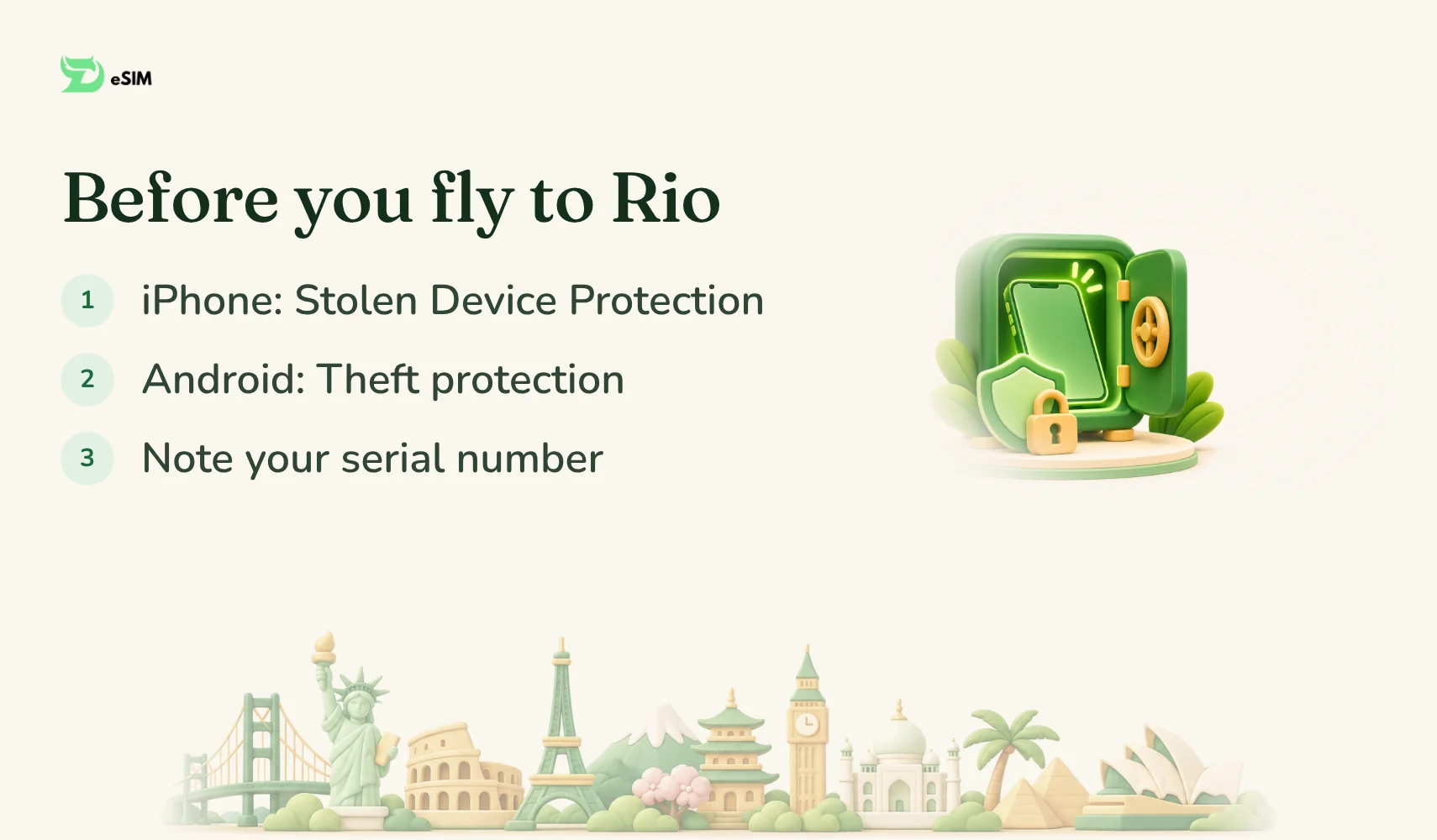
iPhone: turn on Stolen Device Protection
Go to Settings > Face ID & Passcode, enter your passcode and turn on Stolen Device Protection. It may already be on, so it's worth a quick look.
Why it matters: when your iPhone is away from places it knows, like your home or work, some actions need your face or fingerprint, not just your passcode. That includes turning off Lost Mode and setting up or moving an eSIM, and some changes also come with a one-hour wait. So even if someone saw you type your passcode in the crowd, they can't take over your phone with it. You need iOS 17.3 or later, two-factor authentication on your Apple Account, Face ID or Touch ID, and Find My turned on (Apple).
Android: turn on Theft protection
Go to Settings > Google > All services > Personal & device safety > Theft protection. You'll need a screen lock first. Then turn on:
- Theft Detection Lock: your phone locks itself if it senses it's been snatched from your hand.
- Offline Device Lock: the screen locks if the phone is taken offline.
- Remote Lock: lets you lock your phone from android.com/lock with your phone number. Turn on Find Hub too, and make sure your number is verified.
Some of these need a newer version of Android, and the options vary by phone. If one is greyed out, your phone doesn't support it (Google).
Share your location with someone at home
Pick one person you trust, a partner, a parent or a friend at home, and share your location with them before you go. If your phone disappears, they can see where it was last and help you act fast.
- iPhone: open Find My, tap Me and turn on Share My Location. Then tap People, tap + and choose Share My Location with them. If you use Family Sharing, a family member can also help locate a missing device in Find My.
- Android: open Find Hub, tap Start share, choose how long and pick the person.
Hide your notifications on the lock screen
This one is easy to forget and really important. If a thief grabs your phone while it's locked, the messages that pop up on the screen can show login codes from your bank, your email or WhatsApp. Hide them so nothing shows until the phone is unlocked:
- iPhone: Settings > Notifications > Show Previews and choose When Unlocked or Never.
- Android: Settings > Notifications > Notifications on lock screen and turn off sensitive content. The exact menu names vary by phone.
Two more small things
- Write down your phone's serial number and keep it somewhere other than the phone. The police may ask for it.
- Know that you can get into Find My without your phone. On iPhone, you don't need the login code that's normally sent to your device: on iCloud.com/find, choose the Find Devices button to continue without a code. Just remember your Apple Account password.
In the Brazil Carnival 2027 crowds
Carnival is a huge, joyful street party, and you should enjoy every minute of it. But crowds, music and a phone held up to film a parade are exactly the moment pickpockets and phone snatchers wait for. A few habits make a big difference.
Sambódromo (Sambadrome) nights
Inside the Sambódromo you'll be in your seat or stand, so the risky part is usually the street outside: getting there, leaving and waiting for a ride. Book your ride or check your route before you step out, keep the phone in a front pocket or a zipped bag, and take it out only when you need it.
Rio Carnival blocos (street parties)
Blocos are free, packed and moving, which makes them the trickiest place for your phone.
- Keep the phone away in the street. Film a short clip, then put it back.
- Use a wrist strap or a phone lanyard if you want to take photos in the crowd.
- Leave valuables at your hotel if your day ends at the beach.
- Agree a meeting point with your group before you arrive, so nobody needs a phone out to find each other.
Why an eSIM helps (and what it can't do)
An eSIM is built into the phone, so there's no SIM card a thief can pull out and put in another phone. And on iPhone with Stolen Device Protection on, setting up or moving an eSIM away from familiar places needs your face or fingerprint.
It's not magic, though:
- An eSIM doesn't stop your phone being stolen. The settings above still matter most.
- If your home number is still on a physical SIM card, that card can be taken out. That's one more reason to call your home carrier quickly if your phone goes.
Staying online in the crowd
Free public Wi-Fi is tempting, but it isn't the place to log in to your bank or email. Your own mobile data is safer for maps, rides and messages. You have two options:
- Roam on your home plan. US, UK and Canadian carriers all charge differently, so check first. Our guide to avoiding roaming charges explains how.
- Use a travel eSIM for data, installed at home before you fly.
Using Diva eSIM at Carnival
- Check your phone first. It must support eSIM and be carrier-unlocked. You can check on our compatibility page.
- Install it at home over Wi-Fi before you leave. After payment your eSIM arrives by email as a QR code, and you also get a one-tap install link.
- Your plan's days start when the eSIM first connects in the destination, not when you install it.
- When the data runs out, it simply stops. No automatic top-ups and no surprise charges.
- Hotspot works, so one phone can share data with your group.
- Our live chat is open 24/7, in any language. You can also email info@d-esim.com.
If Rio is one stop on a longer trip, have a look at our Latin America plan for neighbouring countries, or the global plans for trips across several regions.
If your phone is stolen in Rio
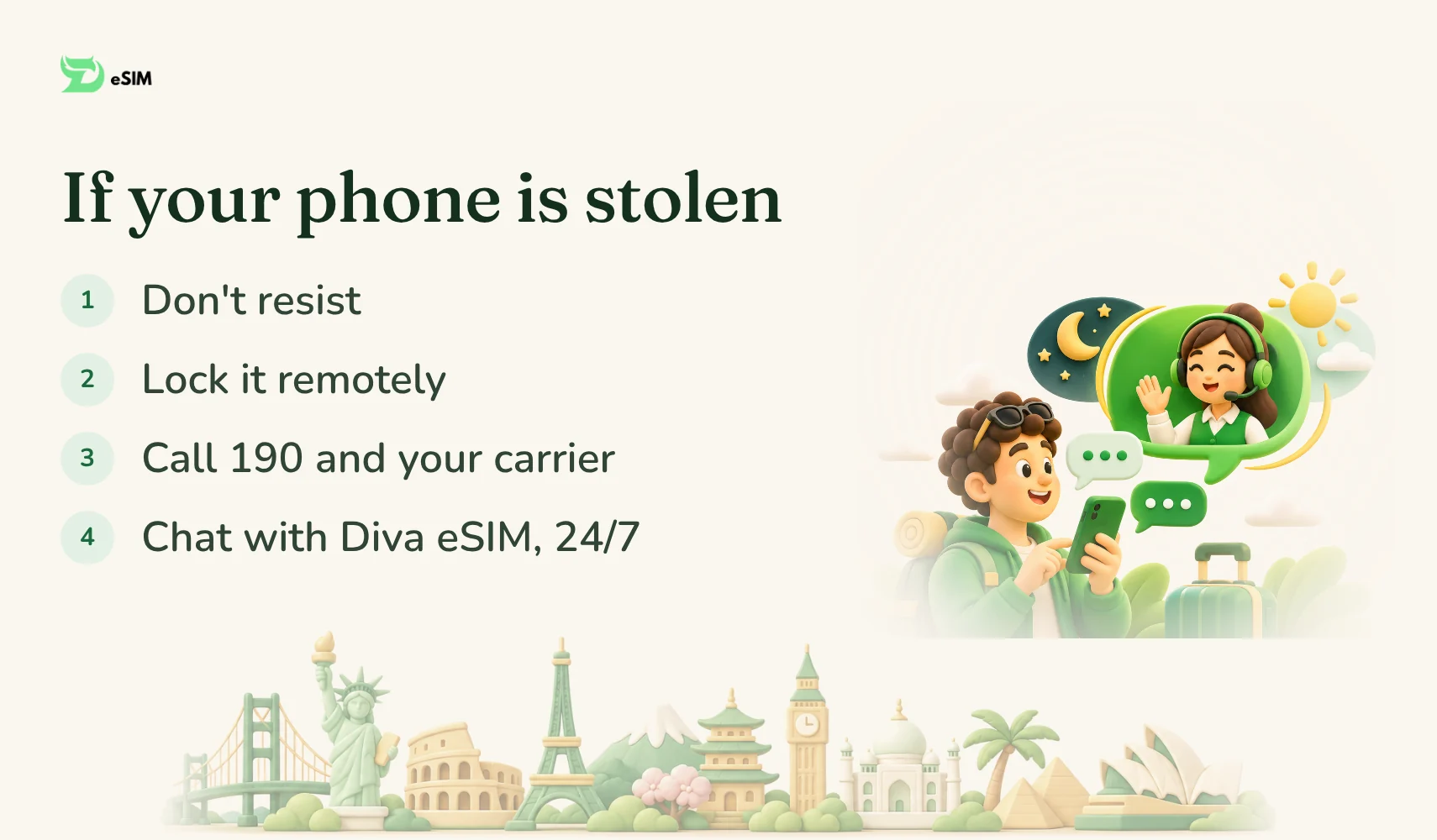
First, and most important: don't resist and don't chase anyone. A phone can be replaced; you can't. Once you're somewhere safe, borrow a friend's phone or use a laptop and go through these steps:
- iPhone: mark it as lost. Go to iCloud.com/find and tap Find Devices (you don't need the login code), then choose your iPhone and Mark as Lost. Because it was stolen, don't add your contact details, and don't remove the iPhone from Find My, because that switches off Activation Lock.
- Android: lock it remotely. If you turned on Remote Lock before the trip, go to android.com/lock and enter your phone number.
- Ask the person you share your location with to check where the phone was last seen, but leave any recovery to the police. Don't try to get it back yourself.
- Report it to the police on 190. Have your serial number ready.
- Call your home carrier (in the US, UK or Canada) and ask them to suspend your line.
- Message Diva eSIM's 24/7 live chat from another device if you were using a Diva eSIM, and tell us what happened.
- If the phone doesn't turn up: on iPhone, erase it remotely, then check your Apple Account, remove any devices you don't recognise and change your password.
Frequently Asked Questions
The main parades at the Sambódromo are on 7th, 8th and 9th February 2027, and Carnival ends on Ash Wednesday, 10th February. The Champions' Parade is on Saturday 13th February. For the street parties, check Riotur's English site nearer the date.


Comments (0)
Leave a comment