Apple’s late-2026 flagship lineup—the iPhone 18 Pro, iPhone 18 Pro Max, and the new foldable iPhone Duo—doubles down on digital SIM adoption. While the iPhone Duo is completely eSIM-only worldwide, the iPhone 18 Pro series continues a regional split between trayless designs and nano-SIM hybrid models.
If you are planning to use a Diva eSIM for travel data or dual-line flexibility, this guide breaks down verified regional model numbers, battery implications of the trayless chassis, and our step-by-step setup protocol to prevent costly roaming charges on your primary line.
Does Diva eSIM support the iPhone 18 Pro and iPhone Duo? Yes, Diva eSIM data plans support carrier-unlocked iPhone 18 Pro, 18 Pro Max, and iPhone Duo devices. Dual active eSIMs allow you to keep your domestic number active for calls and 2FA SMS while routing international data through your travel profile. Check your exact device model below or explore our full eSIM Compatibility database.
Do the iPhone 18 Pro and iPhone Duo support eSIMs?
Yes. All three devices are fully eSIM-capable, supporting Apple’s Dual eSIM technology (two active profiles simultaneously, with storage for eight or more).
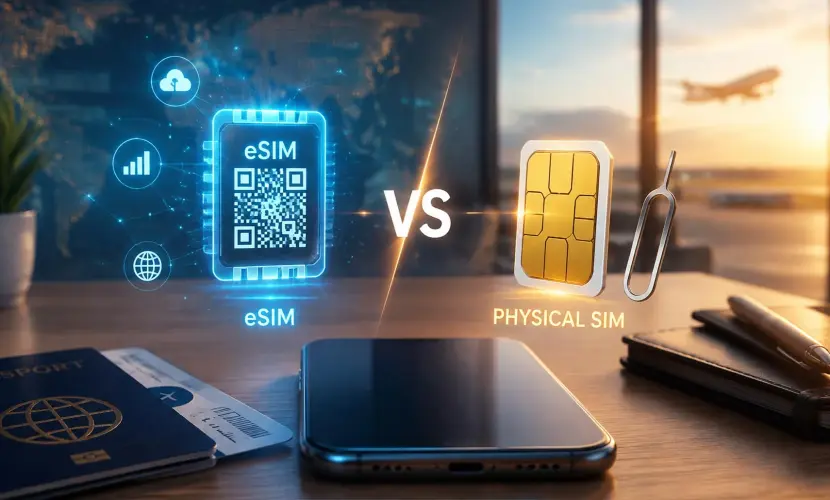
The key operational difference is whether a physical nano-SIM tray is included:
- iPhone 18 Pro & 18 Pro Max: Follow Apple's expanded regional framework—shipping without a SIM tray across 12 designated key markets (the U.S., Canada, Mexico, Japan, UAE, Saudi Arabia, Bahrain, Kuwait, Oman, Qatar, Guam, and the U.S. Virgin Islands). Units sold in the UK, Europe, Australia, and most other global territories retain one physical nano-SIM slot alongside eSIM support.
- iPhone Duo: Features a completely trayless design across every global market, making it Apple’s latest worldwide eSIM-only device following the rollout of the ultra-thin iPhone Air line. Apple's official technical specifications confirm that the Duo is not compatible with physical SIM cards in any territory.
Because the underlying eSIM architecture meets standard GSMA specifications across all carrier-unlocked variants, Diva eSIM works seamlessly across compatible iPhone 18 series and iPhone Duo models.
iPhone 18 and Duo models and eSIM support by region
Apple categorizes its device lineups based on regional requirements and carrier capabilities. When purchasing an iPhone 18 or iPhone Duo, the physical SIM availability depends entirely on the device’s origin.
Note: The standard iPhone 18 release was held over to early 2027, so this breakdown specifically covers the three models available now.
Regional Hardware Variations
- eSIM-Only Markets (e.g., US, Canada, Japan, Mexico, GCC): These units lack a physical SIM tray entirely and rely exclusively on digital eSIM profiles. They benefit from internal space reclaimed for thermal dissipation and a larger battery cell.
- Global / Hybrid Models (e.g., UK, EU, Singapore, Australia): These regional versions include one physical Nano-SIM slot alongside support for multiple active eSIMs, offering maximum flexibility for users traveling to regions where physical tourist SIMs are still dominant.
- Mainland China Models: While the iPhone Duo remains eSIM-only in China, regional iPhone 18 Pro models feature dual physical nano-SIM slots without independent travel eSIM capability.
Check your model number under Settings, General, About and match it below.
| Region | Model numbers (18 Pro / 18 Pro Max) | SIM type |
|---|---|---|
| USA, Puerto Rico | A3472 / A3473 | eSIM only, no physical SIM |
| Canada, Japan, Mexico, UAE, Saudi Arabia, Bahrain, Kuwait, Oman, Qatar, Guam, USVI | A3713 / A3716 | eSIM only, no physical SIM |
| UK, Europe and most other countries | A3714 / A3717 | Nano-SIM plus eSIM |
| China mainland | A3715 / A3718 | Dual nano-SIM, nano-SIM plus eSIM, or dual eSIM |
| iPhone Duo, all regions | A3447, A3719, A3720, A3721 | eSIM only, no physical SIM |
Diva eSIM works on every version in this table. Your phone's SIM setup depends on where it was sold, not where you use it: a US-bought 18 Pro stays eSIM-only in London, and a UK-bought one keeps its tray in New York.
Do eSIM-only models have better battery life?
Yes, marginally. By eliminating the physical SIM tray, Apple has reclaimed internal chassis space to house higher-density battery cells. This hardware optimization results in a consistent gain of up to two hours of video playback compared to global counterparts that retain the SIM tray.
- iPhone 18 Pro: Rated for 36 hours of video playback (eSIM-only) vs. 34 hours (SIM tray).
- iPhone 18 Pro Max: Rated for 45 hours of video playback (eSIM-only) vs. 43 hours (SIM tray).
Battery performance on the iPhone Duo
As an exclusively eSIM-only device worldwide, the iPhone Duo utilizes a dual-cell battery architecture managed by a unified power controller to maximize efficiency. It is rated for up to 31 hours of video playback on the main inner display, up to 44 hours of playback on the cover display, and approximately 24 hours of typical mixed-use. The decision to make the Duo a fully trayless device was critical to fitting this high-capacity power management system within its foldable form factor.
How many eSIMs are supported?
Apple's specifications list Dual eSIM for the 18 Pro and Pro Max — two active eSIMs, with storage for eight or more — and describe the eSIM-only models as using advanced eSIM technology for more convenience and security. The Duo supports dual eSIM too, and with no physical fallback it's the only way the Duo runs more than one line. In practice, your home carrier's eSIM stays active for calls and texts while a Diva eSIM takes the second active eSIM line for data.
What are the benefits to using an eSIM?
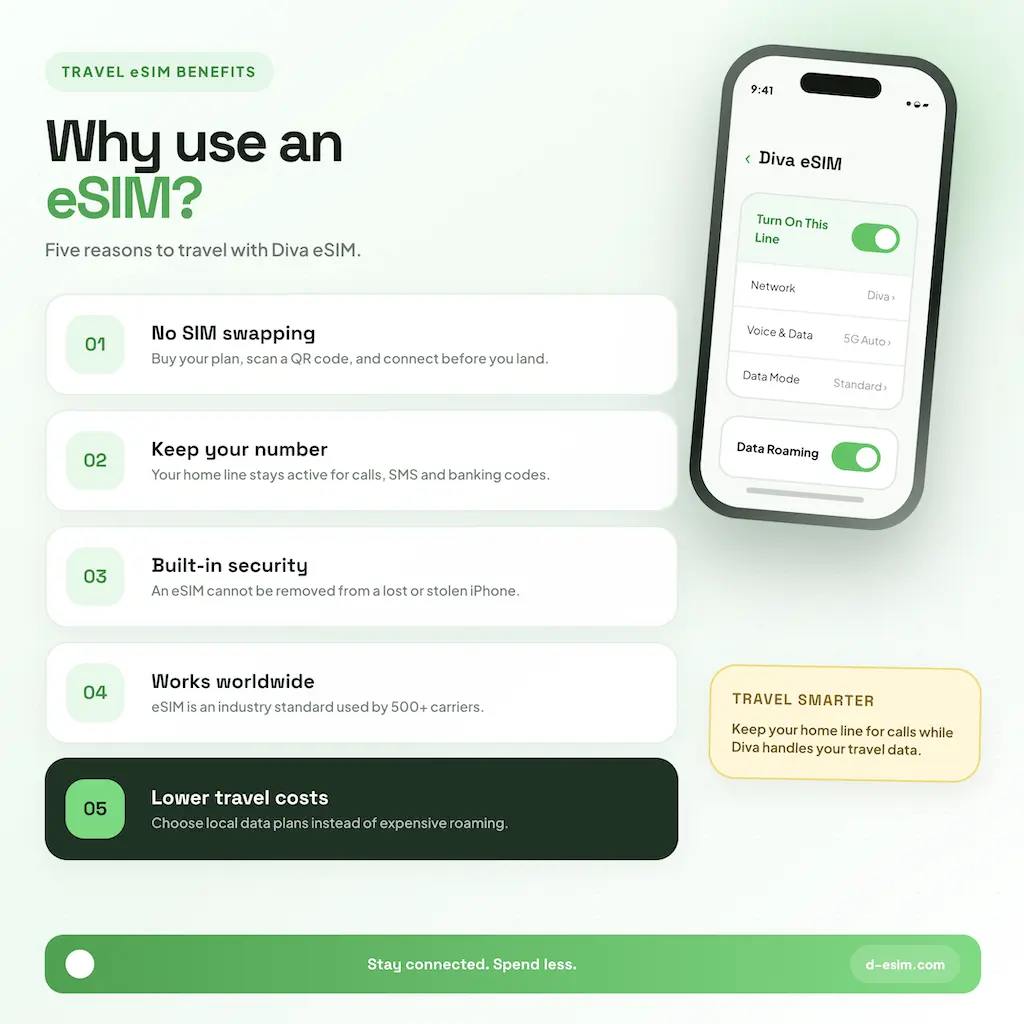
- No SIM swapping: buy your plan, scan a QR code, and you're connected before you land.
- Keep your number: your home line stays active for calls, SMS and banking codes while the Diva eSIM handles data.
- Security: an eSIM can't be removed from a lost or stolen iPhone.
- Broad support: eSIM is an industry standard used by over 500 carriers worldwide.
- Lower cost: local data plans instead of roaming charges.
How to install an eSIM on these iPhones
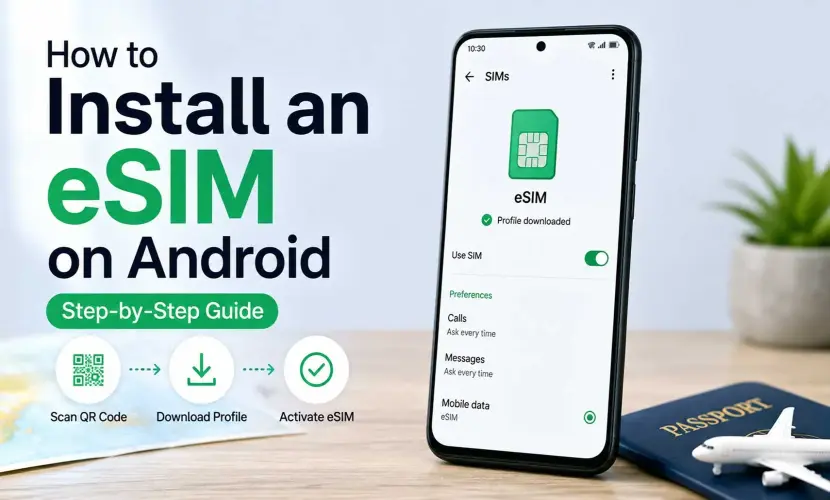
The steps are identical on all three phones. Make sure you are connected to a stable Wi-Fi network before starting the installation. For a detailed walkthrough with screenshots, check out our comprehensive guide on how to install an eSIM on iPhone.
Buy your plan on Diva eSIM or in the Diva eSIM app; you'll receive a QR code and manual activation details (SM-DP+ address and activation code).
Setting up a new iPhone? Move your home number first. If your carrier supports eSIM Quick Transfer, go to Settings, Cellular, Add eSIM and choose Transfer From Nearby iPhone (both phones on iOS 18.4 or later, signed in to the same Apple Account, with Bluetooth on). Some carriers can convert a physical SIM to an eSIM this way, which is useful for Duo buyers coming from a SIM card. Otherwise your carrier can push an eSIM digitally or send a QR code.
Add your Diva eSIM
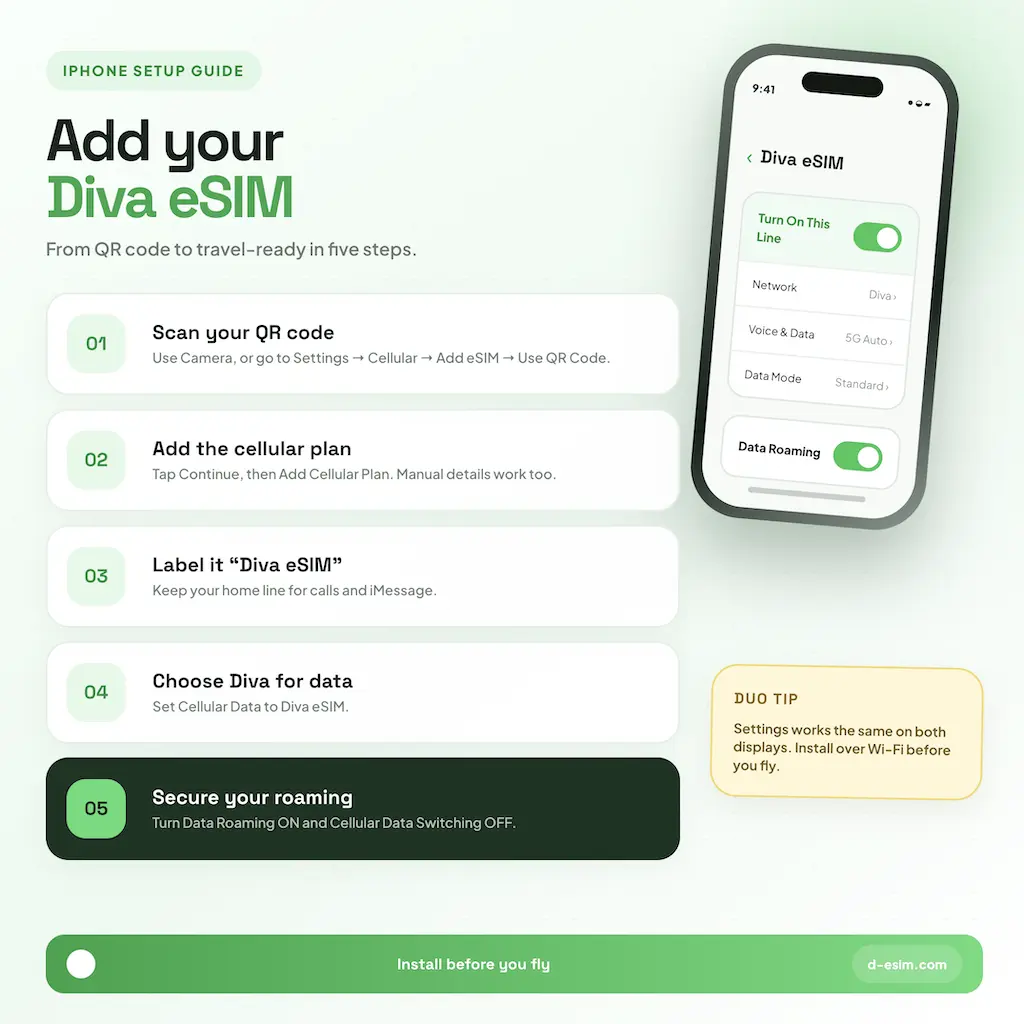
- Scan the QR code with the Camera app and tap the Cellular Plan Detected notification, or go to Settings, Cellular, Add eSIM, Use QR Code. If the code is on the same iPhone, touch and hold it in Mail or Safari and tap Add eSIM (iOS 17.4 or later).
- Tap Continue, then Add eSIM. To enter details manually instead, choose Enter Details Manually and paste the SM-DP+ address and activation code.
- Label the line "Diva eSIM". Keep your home line as default for voice and iMessage, and set Cellular Data to the Diva eSIM.
- Tap the Diva eSIM line and turn on Data Roaming, then turn off Allow Cellular Data Switching so your home line can't roam.
Tip: On the Duo, Settings works the same on both displays. Install over Wi-Fi before you fly and check your plan's activation policy so validity doesn't start early.
Troubleshooting eSIM issues
Start with Apple's basic checks, watching for a carrier name in the status bar after each: turn Airplane Mode on and off; in Settings, Cellular, turn the line off and on again; restart the iPhone; then check for a carrier settings update under Settings, General, About (tap the version number in the eSIM section).
- Carrier-locked iPhone: a locked phone won't accept a third-party eSIM. Only your carrier can unlock it.
- QR code already used: each code works once. Try manual entry, or contact Diva eSIM support with your order number.
- Stuck on "Activating": the profile needs a stable internet connection. Reconnect to Wi-Fi, restart and retry.
- No service after landing: confirm Data Roaming is on for the Diva line, then go to Network Selection, turn off Automatic and pick a network from your plan's list. Enter the APN if your plan lists one.
- Data using the wrong line: check Cellular Data is set to the Diva eSIM and Cellular Data Switching is off.
Have your IMEI or EID ready (Settings, General, About) if you contact support.
Frequently Asked Questions
Yes, both the eSIM-only model sold in the US, Canada and Japan and the dual-SIM model sold in Europe and the UK. The only requirement is a carrier-unlocked phone.
Comments (0)
Leave a comment