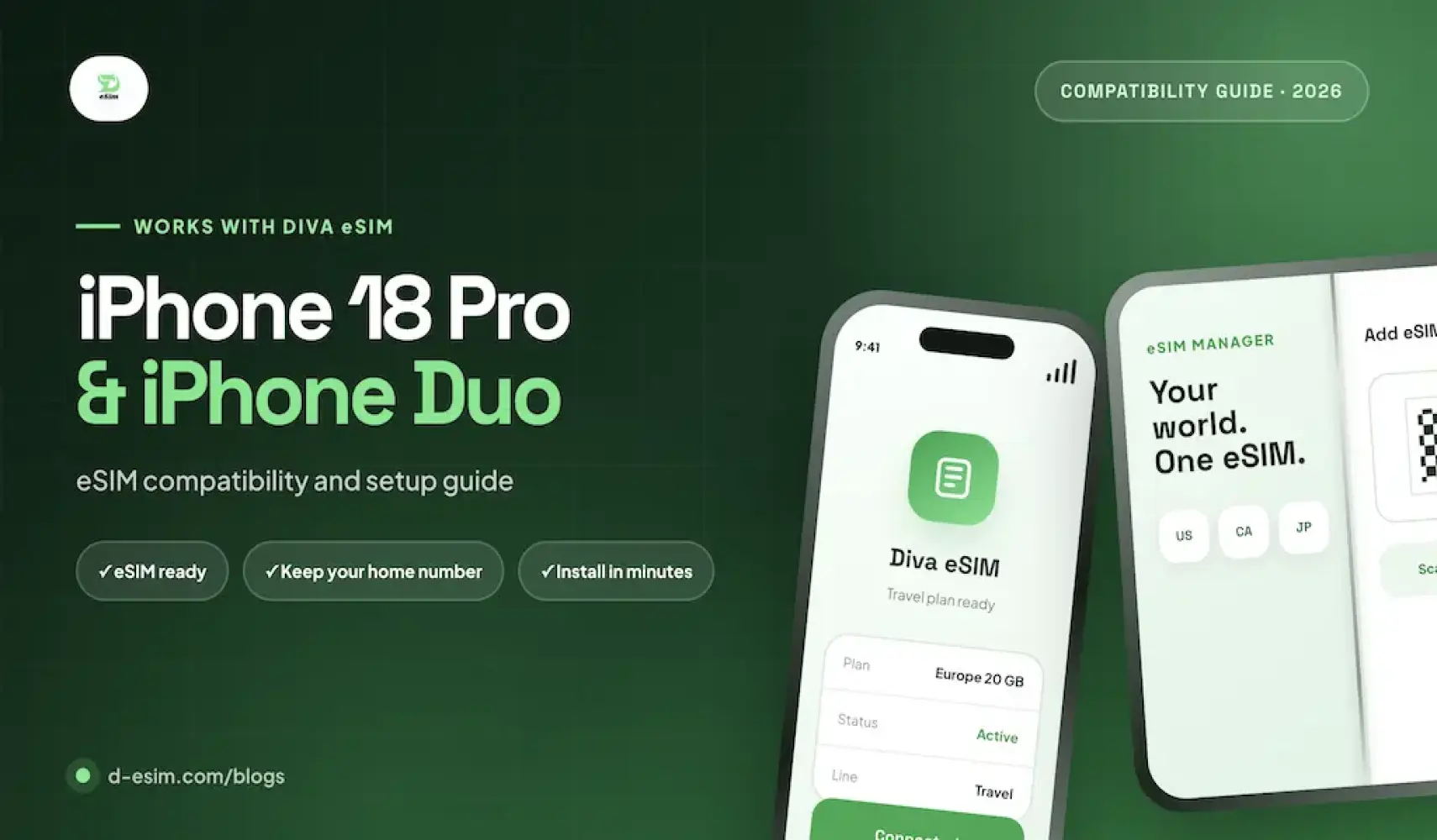
The iPhone 18 Pro, iPhone 18 Pro Max and iPhone Duo each support Dual eSIM: two eSIMs active at the same time, with eight or more stored on the phone. That means you can keep your home number on one eSIM and use a Diva eSIM for travel data on the second.
The difference between the models is the SIM tray. The iPhone Duo is eSIM-only in every country. The iPhone 18 Pro and Pro Max are eSIM-only in 12 countries and regions, including the US, Canada and Mexico, and keep a nano-SIM tray elsewhere, including the UK. Below: model numbers by region, setup steps and fixes for common problems.
How many eSIMs can iPhone 18 have?
Apple's specifications list Dual eSIM for the iPhone 18 Pro and Pro Max and for the iPhone Duo: two active eSIMs, with storage for eight or more. On models that keep a SIM tray, you can also use a physical nano-SIM alongside one eSIM. The iPhone Duo has no tray, so eSIM is the only way it runs more than one line.
In practice, your home carrier's eSIM stays active for calls and texts while a Diva eSIM takes the second active line for data.
Does Diva eSIM support the iPhone 18 Pro and iPhone Duo? Yes, Diva eSIM data plans support carrier-unlocked iPhone 18 Pro, 18 Pro Max and iPhone Duo devices. Check your exact model below or search our full eSIM Compatibility database.
Do the iPhone 18 Pro and iPhone Duo support eSIMs?
Yes. All three devices are fully eSIM-capable. The key difference is whether a physical nano-SIM tray is included:
- iPhone 18 Pro & 18 Pro Max: no SIM tray in 12 countries and regions (the U.S., Canada, Mexico, Japan, UAE, Saudi Arabia, Bahrain, Kuwait, Oman, Qatar, Guam and the U.S. Virgin Islands). Units sold in the UK, Europe, Australia and most other countries keep one nano-SIM slot alongside eSIM.
- iPhone Duo: no SIM tray in any market. Apple's technical specifications state that it is not compatible with physical SIM cards.
Diva eSIM works on every carrier-unlocked iPhone 18 Pro, 18 Pro Max and iPhone Duo.
iPhone 18 and Duo models and eSIM support by region
Whether your phone has a SIM tray depends on where it was sold. Note: the standard iPhone 18 comes out in early 2027, so this guide covers the three models available now.
Check your model number under Settings, General, About and match it below.
| Region | Model numbers (18 Pro / 18 Pro Max) | SIM type |
|---|---|---|
| USA, Puerto Rico | A3472 / A3473 | eSIM only, no physical SIM |
| Canada, Japan, Mexico, UAE, Saudi Arabia, Bahrain, Kuwait, Oman, Qatar, Guam, USVI | A3713 / A3716 | eSIM only, no physical SIM |
| UK, Europe and most other countries | A3714 / A3717 | Nano-SIM plus eSIM |
| China mainland | A3715 / A3718 | Dual nano-SIM, nano-SIM plus eSIM, or dual eSIM |
| iPhone Duo, all regions | A3447, A3719, A3720, A3721 | eSIM only, no physical SIM |
Diva eSIM works on every version in this table. Your phone's SIM setup depends on where it was sold, not where you use it: a US-bought 18 Pro stays eSIM-only in London, and a UK-bought one keeps its tray in New York.
Do eSIM-only models have better battery life?
Slightly. Without a SIM tray, Apple fits a larger battery, and its specifications show two more hours of video playback for the eSIM-only versions:
- iPhone 18 Pro: up to 36 hours of video playback (eSIM-only) vs. 34 hours (with SIM tray).
- iPhone 18 Pro Max: up to 45 hours of video playback (eSIM-only) vs. 43 hours (with SIM tray).
Battery on the iPhone Duo
Apple rates the iPhone Duo for up to 31 hours of video playback on the inner display and up to 44 hours on the outer display.
What are the benefits to using an eSIM?
- No SIM swapping: buy your plan, scan a QR code, and you're connected before you land.
- Keep your number: your home line stays active for calls, SMS and banking codes while the Diva eSIM handles data.
- Security: an eSIM can't be removed from a lost or stolen iPhone.
- Broad support: eSIM is an industry standard supported by carriers around the world.
- Lower cost: local data plans instead of roaming charges.
How to install an eSIM on these iPhones
The steps are identical on all three phones. Connect to a stable Wi-Fi network before you start. For a walkthrough with screenshots, see our guide on how to install an eSIM on iPhone.
Buy your plan on Diva eSIM or in the Diva eSIM app; you'll receive a QR code and manual activation details (SM-DP+ address and activation code).
Setting up a new iPhone? Move your home number first. If your carrier supports eSIM Quick Transfer, go to Settings, Cellular, Add eSIM and choose Transfer From Nearby iPhone (both phones on iOS 18.4 or later, signed in to the same Apple Account, with Bluetooth on). Some carriers can convert a physical SIM to an eSIM this way, which is useful for Duo buyers coming from a SIM card. Otherwise your carrier can push an eSIM digitally or send a QR code.
Add your Diva eSIM
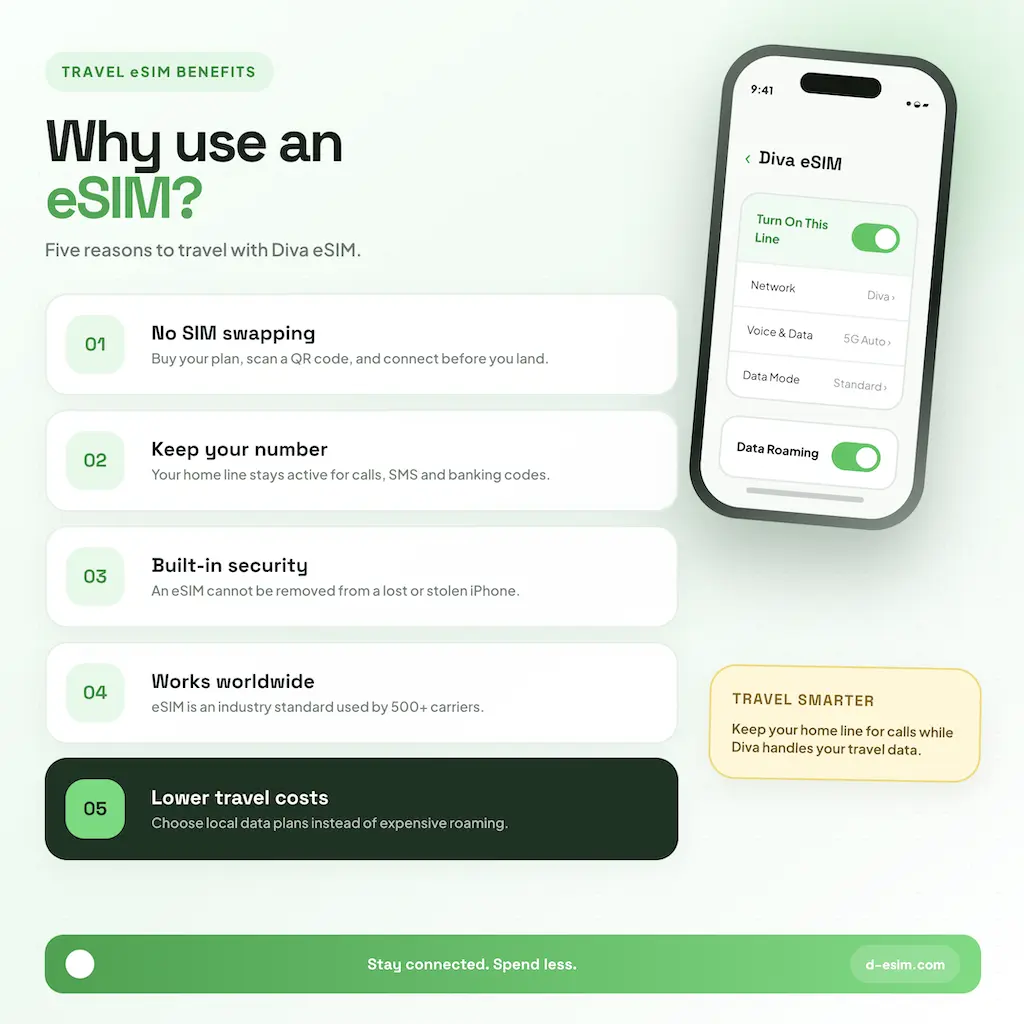
- Scan the QR code with the Camera app and tap the Cellular Plan Detected notification, or go to Settings, Cellular, Add eSIM, Use QR Code. If the code is on the same iPhone, touch and hold it in Mail or Safari and tap Add eSIM (iOS 17.4 or later).
- Tap Continue, then Add eSIM. To enter details manually instead, choose Enter Details Manually and paste the SM-DP+ address and activation code.
- Label the line "Diva eSIM". Keep your home line as default for voice and iMessage, and set Cellular Data to the Diva eSIM.
- Tap the Diva eSIM line and turn on Data Roaming, then turn off Allow Cellular Data Switching so your home line can't roam.
Tip: On the Duo, Settings works the same on both displays. Install over Wi-Fi before you fly and check your plan's activation policy so validity doesn't start early.
Troubleshooting eSIM issues
Start with Apple's basic checks, watching for a carrier name in the status bar after each: turn Airplane Mode on and off; in Settings, Cellular, turn the line off and on again; restart the iPhone; then check for a carrier settings update under Settings, General, About (tap the version number in the eSIM section).
- Carrier-locked iPhone: a locked phone won't accept a third-party eSIM. Only your carrier can unlock it.
- QR code already used: each code works once. Try manual entry, or contact Diva eSIM support with your order number.
- Stuck on "Activating": the profile needs a stable internet connection. Reconnect to Wi-Fi, restart and retry.
- No service after landing: confirm Data Roaming is on for the Diva line, then go to Network Selection, turn off Automatic and pick a network from your plan's list. Enter the APN if your plan lists one.
- Data using the wrong line: check Cellular Data is set to the Diva eSIM and Cellular Data Switching is off.
Have your IMEI or EID ready (Settings, General, About) if you contact support.
Frequently Asked Questions
Yes, both the eSIM-only model sold in the US, Canada and Japan and the model with a SIM tray sold in Europe and the UK. The only requirement is a carrier-unlocked phone. Each of them holds two active eSIMs at once.

Comments (0)
Leave a comment