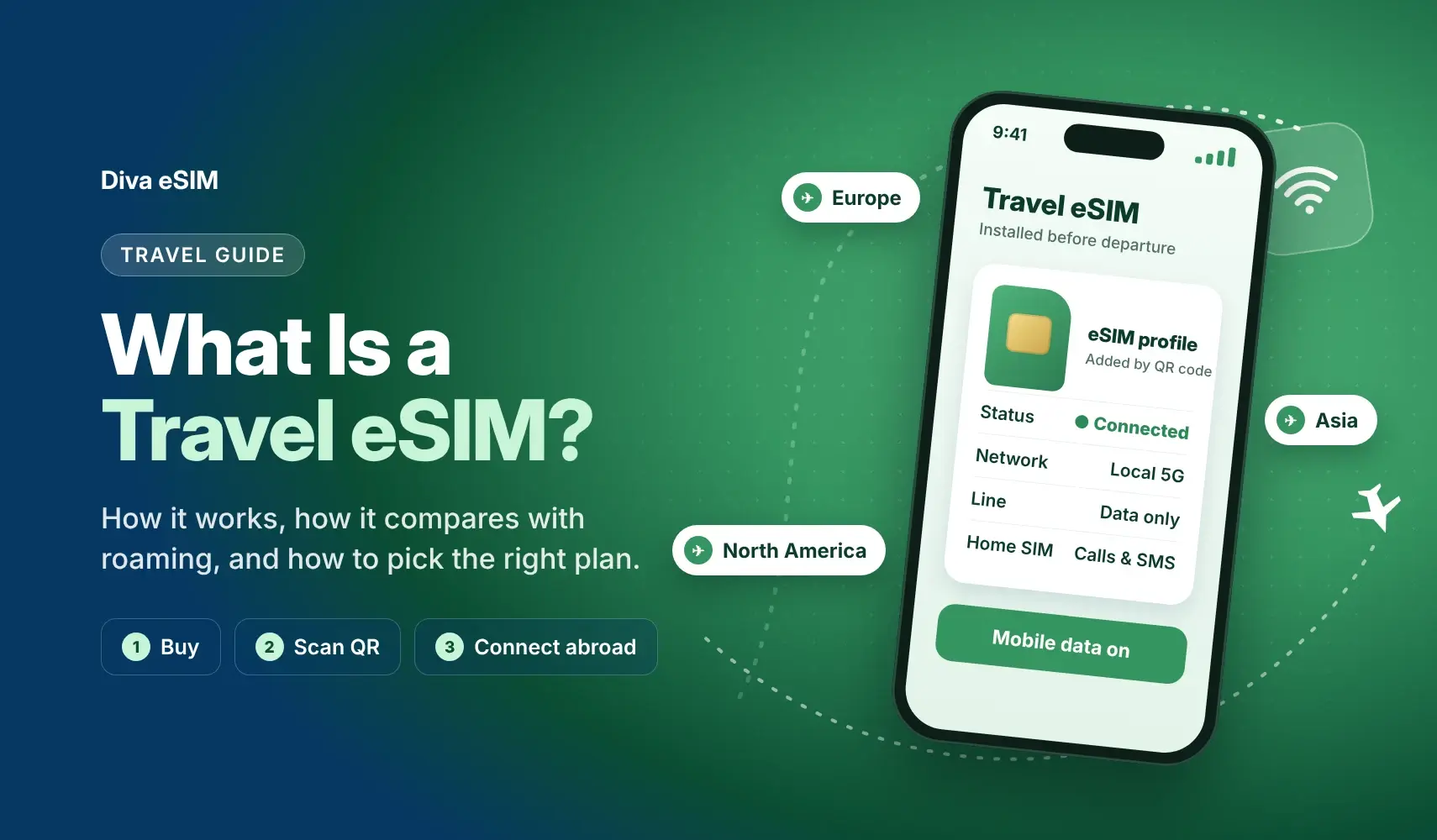
Traveling abroad used to mean dealing with expensive roaming fees, hunting for local SIM cards, or relying on unstable public Wi-Fi. Today, travel eSIM technology makes it easier for travelers to stay connected abroad without using a physical SIM card.
What Is a Travel eSIM and How Does It Work?
A travel eSIM, also known as an embedded SIM, is a digital SIM card that allows you to activate a mobile data plan without inserting a physical SIM card into your phone. You can install the plan by scanning a QR code or using an app.
How it works:
- Your phone has a built-in eSIM chip
- You purchase a travel eSIM plan from Diva eSIM
- You scan a QR code or install the plan through the app
- Your device connects to local mobile networks when you arrive abroad
eSIM vs. Physical SIM
| Feature | eSIM | Physical SIM |
|---|---|---|
| Installation | Digital QR code or app | Manual insertion |
| Convenience | Instant activation | Requires a store visit |
| Risk of loss | No physical card to lose | Can be lost or damaged |
| Multiple plans | Supported on many devices | Limited by SIM slot |
| Eco-friendly | No plastic SIM card required | Uses a physical plastic SIM |
Is a Travel eSIM Data-Only?
Most of them are, yes. When you buy a travel eSIM, you are usually buying a straight data bundle. That means no local phone number for dialing standard cellular lines or sending SMS from a foreign carrier.
But that is not a hard rule across the board; a handful of providers do package incoming call credits or virtual phone numbers. Always glance at the plan specs before hitting checkout so you know what you are getting.
In reality, missing a local dial tone rarely matters on the road. As long as you have active data, your everyday apps work without a hitch:
- WhatsApp & Telegram: Text, record voice notes, and make clear calls. Your chats, groups, and contact lists stay tied to your original account.
- FaceTime & Messenger: Call family or friends directly over local cellular data.
- Google Maps: Find your way around town, see when the next train comes, and look up where to eat nearby.
- Email: Keep up with Gmail, Outlook, or Slack notifications on the go.
- VoIP Apps: Use Skype, Zoom, or Viber if you have to ring a hotel landline, airline desk, or join work calls.
- One big perk: your phone’s Dual SIM setup lets you leave your primary physical SIM on standby just for bank 2FA texts, while the travel eSIM runs all your internet traffic in the background.
Why Use a Travel eSIM? 7 Key Benefits
- No roaming fees: Avoid expensive international roaming charges from your home carrier.
- Instant setup: Buy and install your eSIM in minutes, even before your flight.
- Keep your main number: Use your regular SIM for calls and SMS while using your eSIM for data.
- Works in multiple countries: Many plans cover regions such as Europe, Asia, North America, or global destinations.
- No physical SIM needed: Avoid searching for SIM card shops at the airport.
- Flexible plans: Choose a plan based on destination, data amount, and validity period.
- Ideal for travelers: Useful for maps, translation apps, ride sharing, remote work, and messaging.
Travel eSIM vs International Roaming
Turning on data roaming from your home carrier is often the easiest fallback, but it rarely makes financial sense for trips longer than a day or two. Here is how a dedicated travel eSIM stacks up against traditional international roaming:
|
Feature |
Travel eSIM |
International Roaming |
|
Pricing |
Prepaid with zero hidden fees; pay only for what you choose |
Daily passes (about $12 a day with AT&T or Verizon) or expensive per-MB charges |
|
Bill Shock Risk |
None; data simply stops when it runs out, with no automatic top-up and no extra charges |
High; background sync can run up unexpected bills |
|
Network Speed |
Connects directly to local partner networks (4G/5G where available) |
Often routed back to your home country, causing latency |
|
Setup Flexibility |
Instant digital setup via QR code before departure |
Requires activating roaming add-ons with your carrier |
|
Line Management |
Run alongside your primary SIM simultaneously |
Ties up your main line with roaming restrictions |
Turning on carrier roaming feels effortless until the bill arrives. Daily carrier passes add up fast, and standard pay-as-you-go rates can bite into your travel budget.
Which Devices Support eSIM?
- iPhone: iPhone XS, iPhone XR and newer models
- Google Pixel: Pixel 3 and newer models
- Samsung Galaxy: Galaxy S20 and newer models
- Huawei: Selected newer Android models
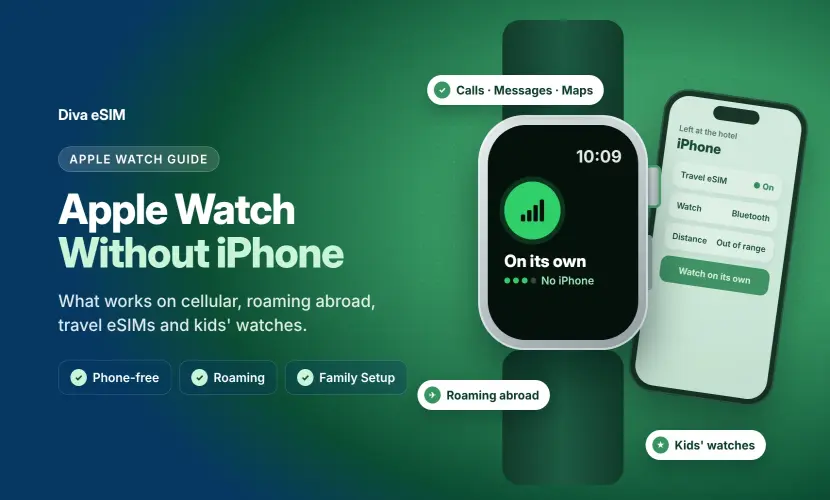
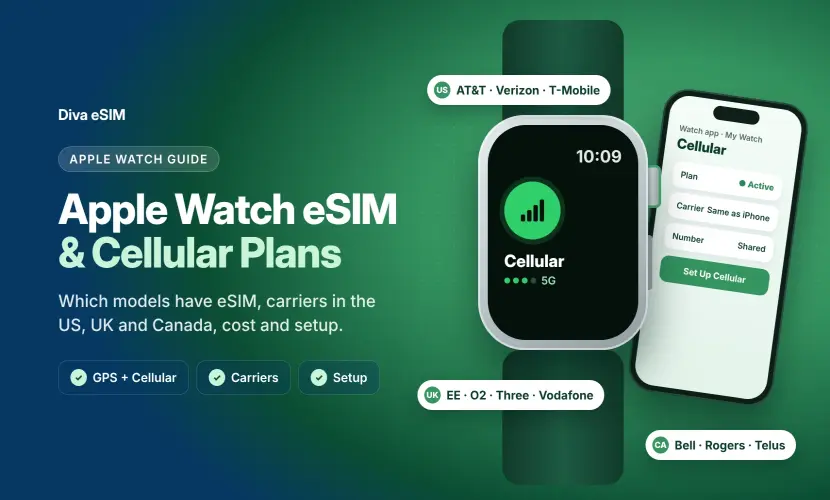
- Apple Watch: GPS + Cellular models and every Apple Watch Ultra have a built-in eSIM, but it takes a plan from your iPhone's carrier, not a travel eSIM. Put the travel eSIM on your iPhone instead; see our Apple Watch eSIM guide and what Apple Watch can do without your iPhone.
Important: Always check device compatibility before purchasing. Some carrier-locked phones may not support eSIM, even if the model usually supports it.
How to Get a Travel eSIM
- Select your destination: Choose a country, regional, or global plan.
- Pick a data plan: Choose light usage, such as 1 to 3 GB, or heavy usage, such as 10 GB or more.
- Receive your QR code: Your eSIM details are delivered by email or app.
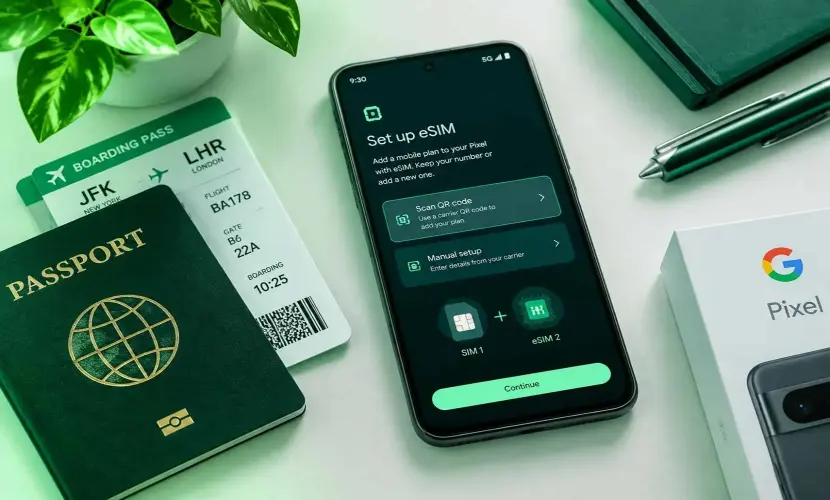
- Install on your phone: Scan the QR code in your phone settings. It is best to install before you travel. Step-by-step guides: iPhone and Android.
How to Activate Your eSIM Abroad
- Open Settings on your phone
- Go to Cellular or Mobile Data
- Tap Add eSIM
- Scan the QR code from Diva eSIM
- Enable data roaming for the eSIM line
- Set the eSIM as your primary data line
Tip: After activation, your phone can connect to a supported local mobile network at your destination.
Tips for Choosing the Best eSIM Plan
- Coverage: Make sure your plan covers all destinations in your trip.
- Data amount: Light users may need 1 to 3 GB. Heavy users may prefer 10 GB or more.
- Duration: Match the plan validity period with your trip length.
- Speed: Check whether 4G or 5G is available.
- Price: Compare value, coverage, and data amount, not only the lowest price.
Tip: If you are traveling across multiple countries, choose a regional or global plan for easier coverage.
Country, Regional, or Global Travel eSIM: Which Should You Choose?
Getting the right plan comes down to your map. Picking the wrong setup usually means overpaying or running out of coverage mid-trip.
1. Country eSIM
Sticking to one place? Go with a single-destination profile. Whether you need a USA eSIM, France eSIM, or Japan eSIM, single-country options give you the best data-per-dollar rate and link up with top-tier domestic networks.
2. Regional eSIM
If your trip crosses multiple borders in one go, regional packages save you the headache of buying new plans every time you land in a new city.
Touring Schengen countries, taking cross-border trains, or traveling across multiple EU countries? Get a Europe eSIM so you don’t have to buy a new plan in every country.
Planning to explore places like Japan, Thailand, or Singapore? Just get an Asia eSIM so your data keeps working from one country to the next.
Going to the US, Canada, or Mexico? A North America eSIM covers your entire road trip under one plan.
3. Global eSIM
If you're visiting countries on different continents, a Global eSIM covers countries across several continents on a single profile. It saves you from setting up new data plans every time you board your next flight.
Frequently Asked Questions
It is a digital SIM that lets you use mobile data abroad without a physical SIM card. You can activate it by scanning a QR code.
Comments (0)
Leave a comment